
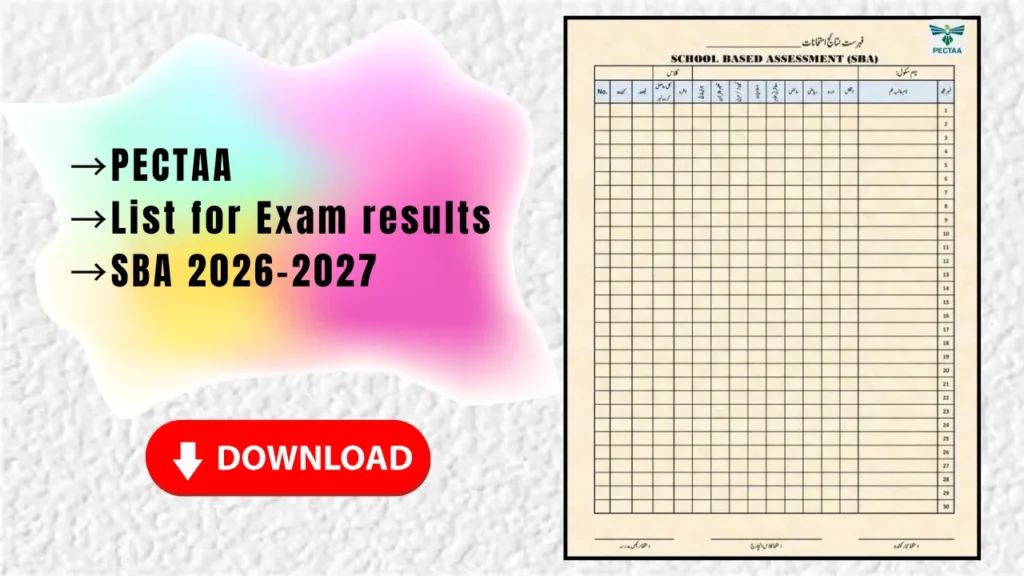
If you are a teacher who needs to record School Based Assessment (SBA) marks for your class, this is the blank result sheet you have been looking for. It is the standard PECTAA SBA gazette format for the 2026-27 session, ready to print and fill by hand. Download it below, take a printout, and enter your students’ marks subject by subject.
What Is the SBA Result Sheet?
School Based Assessment is the ongoing assessment that schools conduct through the year using PECTAA’s item bank. To record the marks in an organised way, every teacher needs a proper result sheet, also called the gazette. This one carries the official layout: a row for each student and a column for every subject, so one page holds a full class of thirty students. It is titled “Fehrist-e-Nataij Imtihanat” (List of Examination Results) with the heading “School Based Assessment (SBA)”.
What the Sheet Includes
How to Download and Use It
- Click the green “Download Sheet” button above to save the image or PDF to your device.
- Take a clear printout on A4 paper. Print one copy per class section.
- Fill in the school name, class and section in the header fields at the top.
- Write each student’s name and roll number in order down the left side.
- Enter subject-wise marks in the correct columns, then total, grade and remarks.
- Get it signed by the class teacher and head teacher in the footer before submitting.
Quick Tips for Teachers
Common Questions
Is this the official PECTAA SBA sheet?
This is the standard SBA gazette format used to record 5th and 8th class assessment marks. Always confirm the exact format and any updated columns from your school or the official PECTAA notification for the current session, as headings can change from year to year.
Which classes is it for?
It works for any class where SBA marks are recorded, most commonly the primary and elementary grades that PECTAA assesses, including Grade 5 and Grade 8.
Can I edit the sheet on a computer?
This is a print-and-fill format meant to be completed by hand. If you need a typed version, recreate the same columns in Excel and print from there.